After my last post I became more motivated than ever to continue working on this project. The focus of this “sprint” so to speak is to clean up the UI as well as add some accessibility features in allowing the user to map their own controls and a few bug fixes along the way. While this update isn’t as long or as glamorous as the first one, progress is progress. As always link the the game can be found here
Bug fixes
Bugs happen, and the major bug that I discovered was that settings did not load unless you opened the settings menu. I was tipped off to this issue when I saved my settings to use fullscreen and the next time I opened the game, it was not in full screen.
To explain where the bug is, I first need to briefly explain on how the save / load functions. There are three major functions for the settings,
- the settings menu - the UI that gives you the access to change the settings
- the settings module - actually sets the settings in the backend, this is global and can be used anywhere
- the save / load module - save to a file and load from said file
So when you make a change on the UI, the settings doesn’t actually change all it does is make a call to the settings module which does the actual change. The archetecture for this is very front-end vs back-end. The menu is strictly front-end, don’t do logic just call something else to do said logic. This allows me to make fundamental changes to the UI and as long as the calls are in the correct place it will all just work. Same idea if I want to change how settings are calculated in the backend, I can change it in one place the UI just works.
Now with that explination, where is the bug? Well what was happening is, I set the load to be done when the menu was created, which only happens if you click the settings tab, What I needed to do was load the settings when the settings module was loaded which is done right when the game is being executed.
UI
The goal I have with UI this early in development is to learn how it works and how the different nodes interact with each other, as well as to make it functional. Making it look great can come later
So as we can see with the structure of the UI, I have moved to using a tab container. This allows me to more easily group like settings together and build each into their own seperate component to be brought in to the main menu area.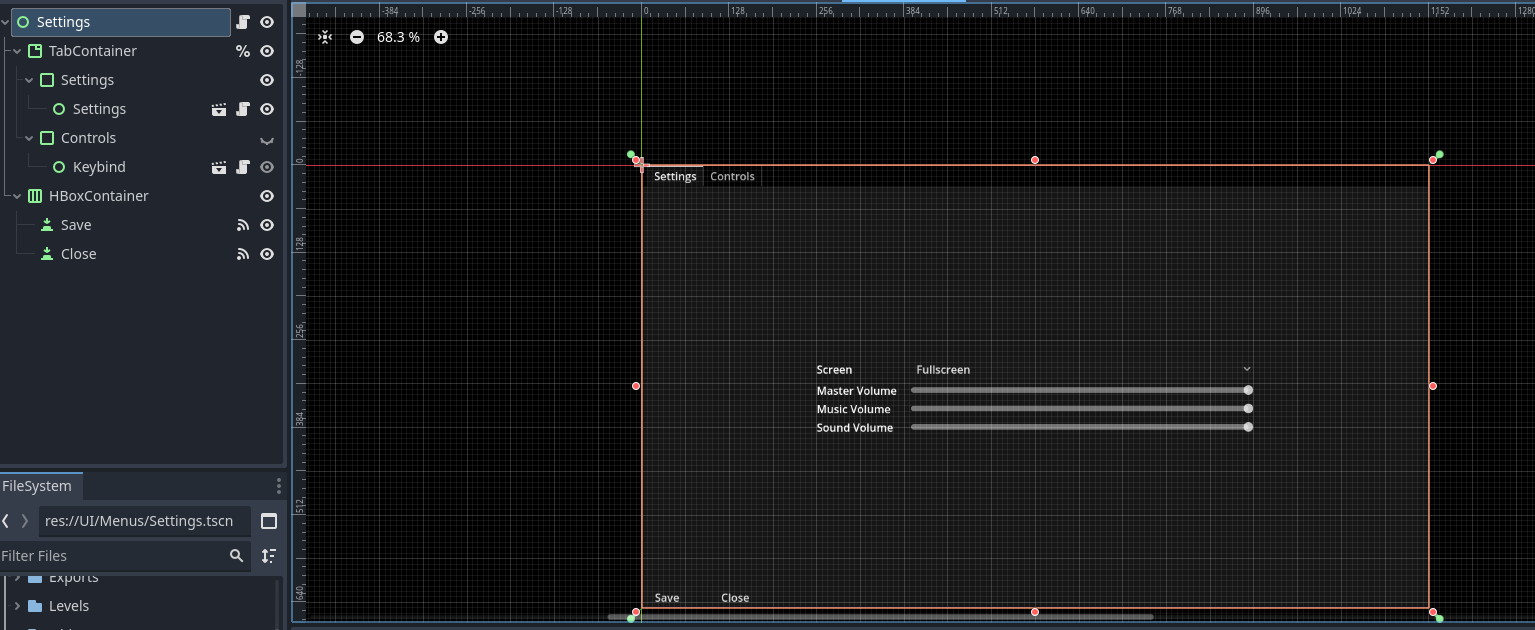
Because of how this has now been split up, it allowed me to more easily reuse the settings menu where necessary.
New feature
I didn’t spend the last couple months twiddling my thumbs making a minor UI update and a small bug fix, I also did a small feature. This came in the form of some feedback I had from someone who played my game which was “The control feel a bit funny”. As someone who set the controls in the first few minutes of creating the project and then developed the game using them, I was used to it and sort of blind to how they actually felt. So instead of trying to figure out what controls would be best, and because all games have this, I added custom control mapping.
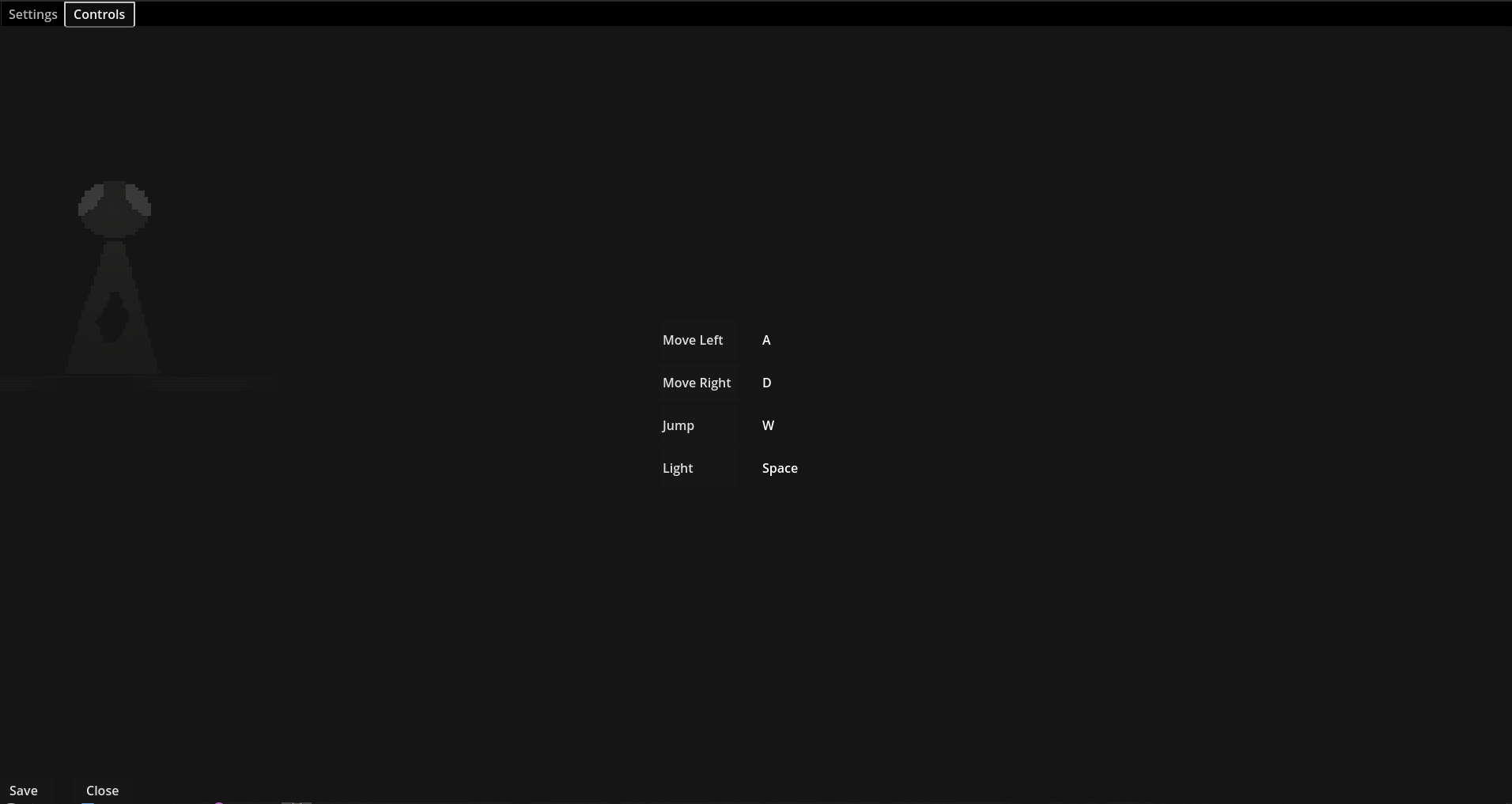
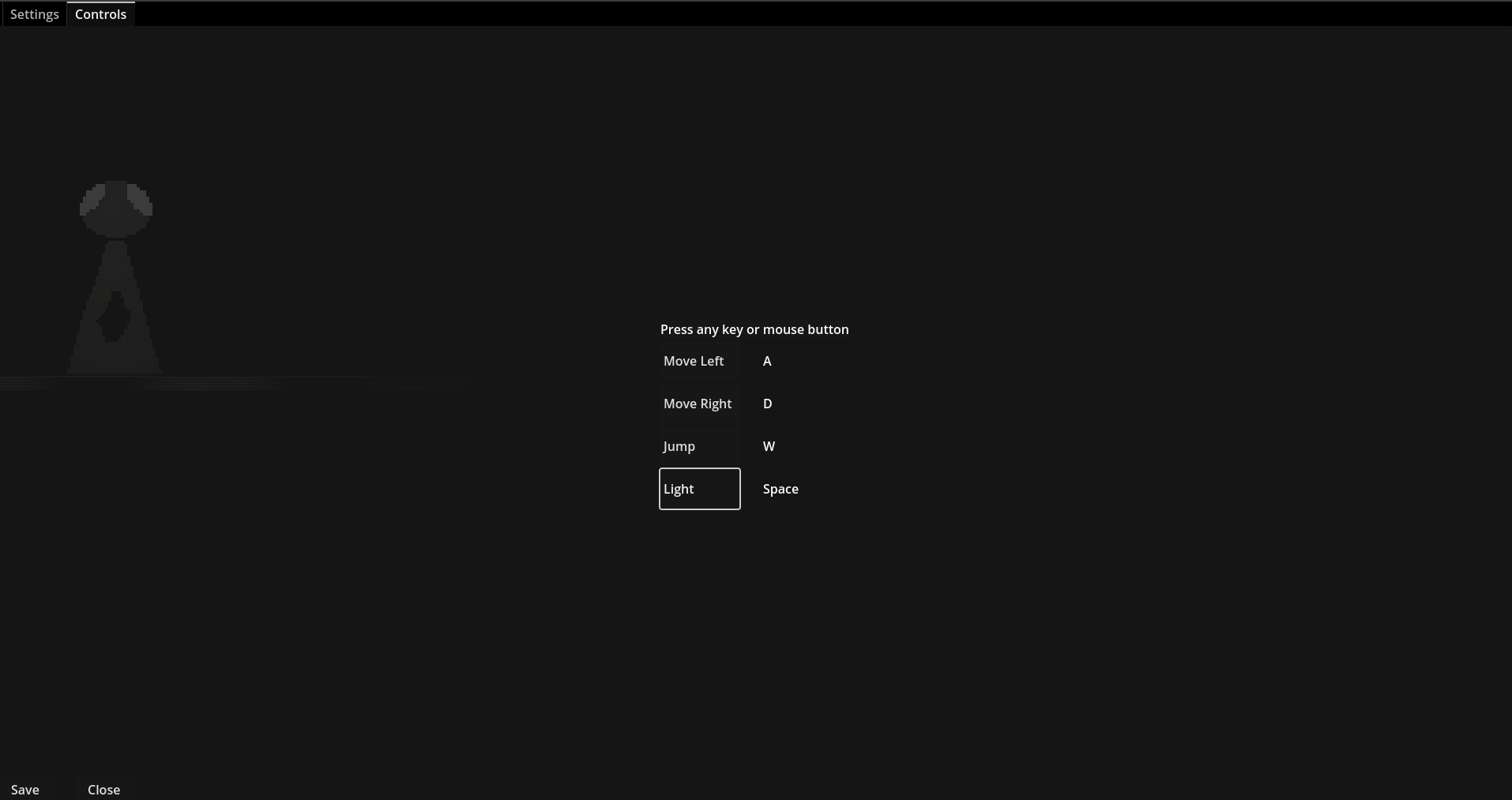
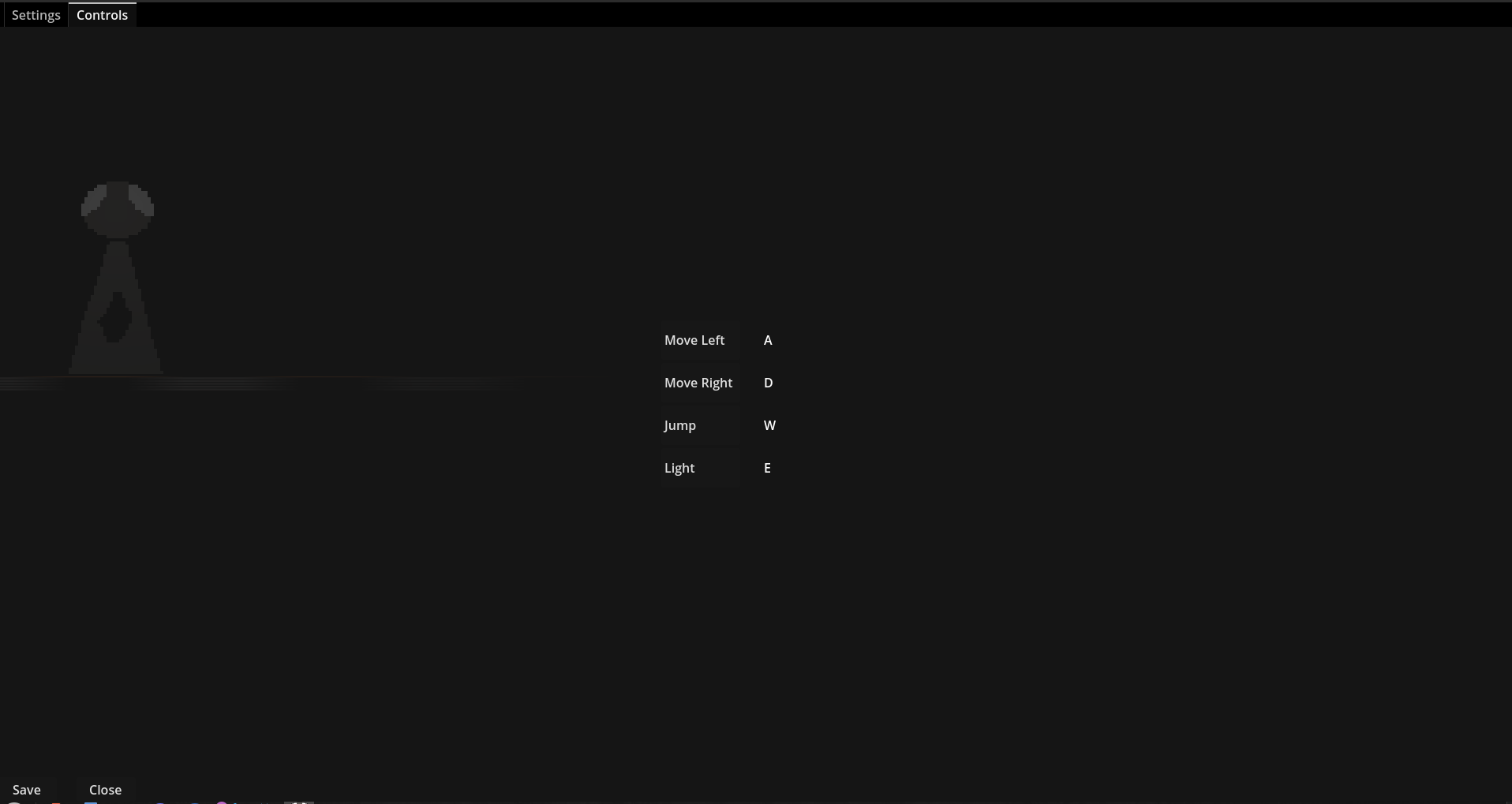
clicking on the button will allow you to change the control to any keyboard or mouse button. This not only opens up the path of allowing the user to customize to whats comfortable for them, but also opens up a major accessability feature. While right now this is limited to keyboard and mouse, I would like to see this also support controllers. I would love to see this get beat with a Guitar Hero controller!
Whats next
I need to continue working through some player test notes, continue to see what sticks, what needs adjustments, what needs to go. I want to continue building more to the level for people to play and see from there if there is more to the game that needs to be added, or adjusted.
Short and sweet update, if you have any feedback about the game please don’t hesitate to reach out. I would love to hear about it!